Design Setup
The design section allows you to control various aspects of the look and feel of the giveaway.
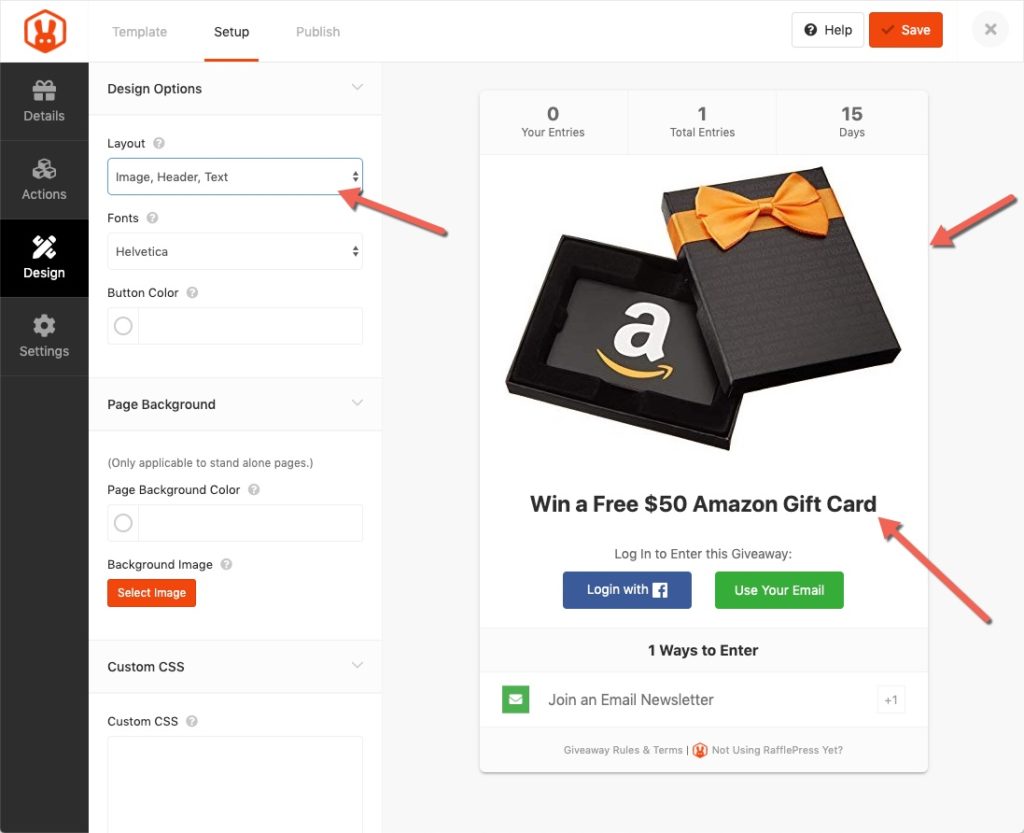
Layout
The layout section let you decide on whether you want your head and description on above the image or below the image.
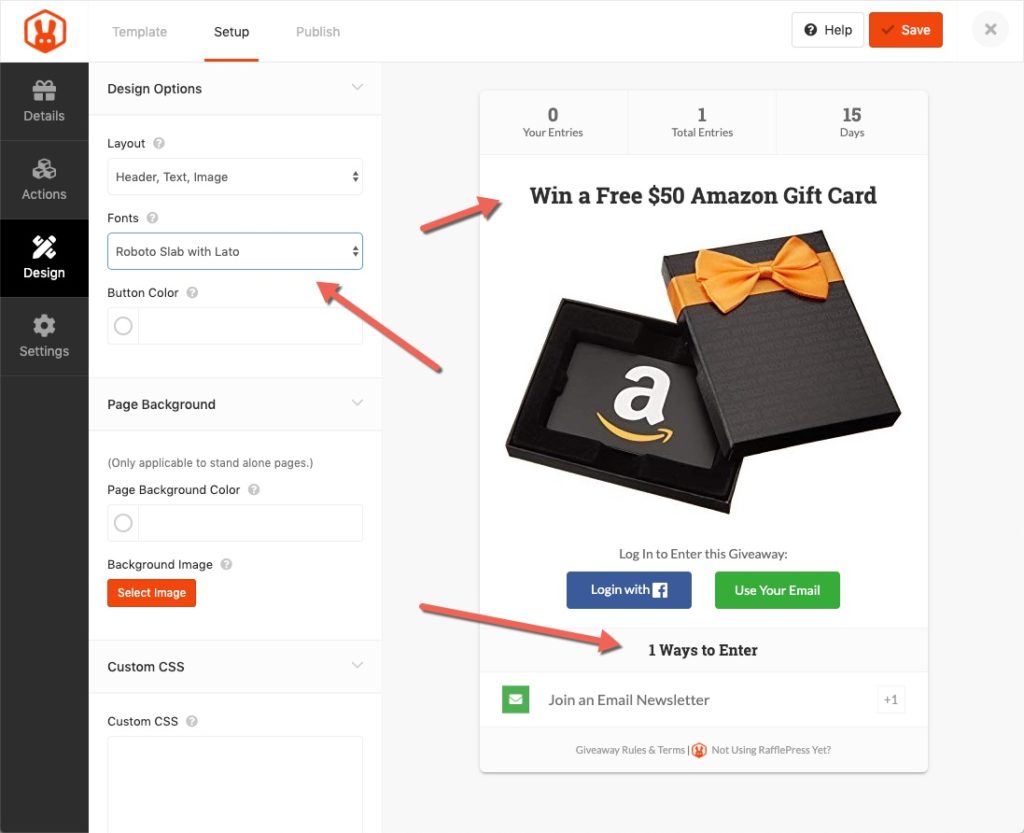
Fonts
The fonts selector lets you choose from various font pairing that look great together.
Free: Download Our Giveaway Playbook
Templates, prize ideas, and promotion strategies in one guide.
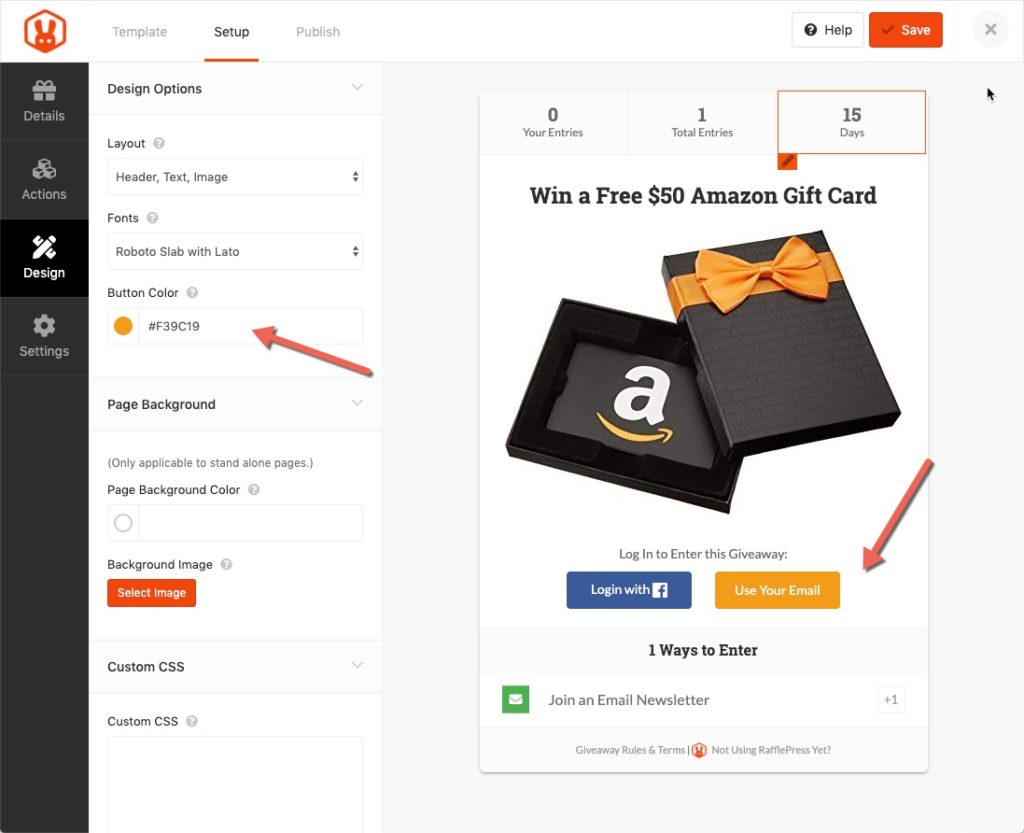
Button Color
The button color selector lets you choose from pre-selected colors or you can enter your own custom color.
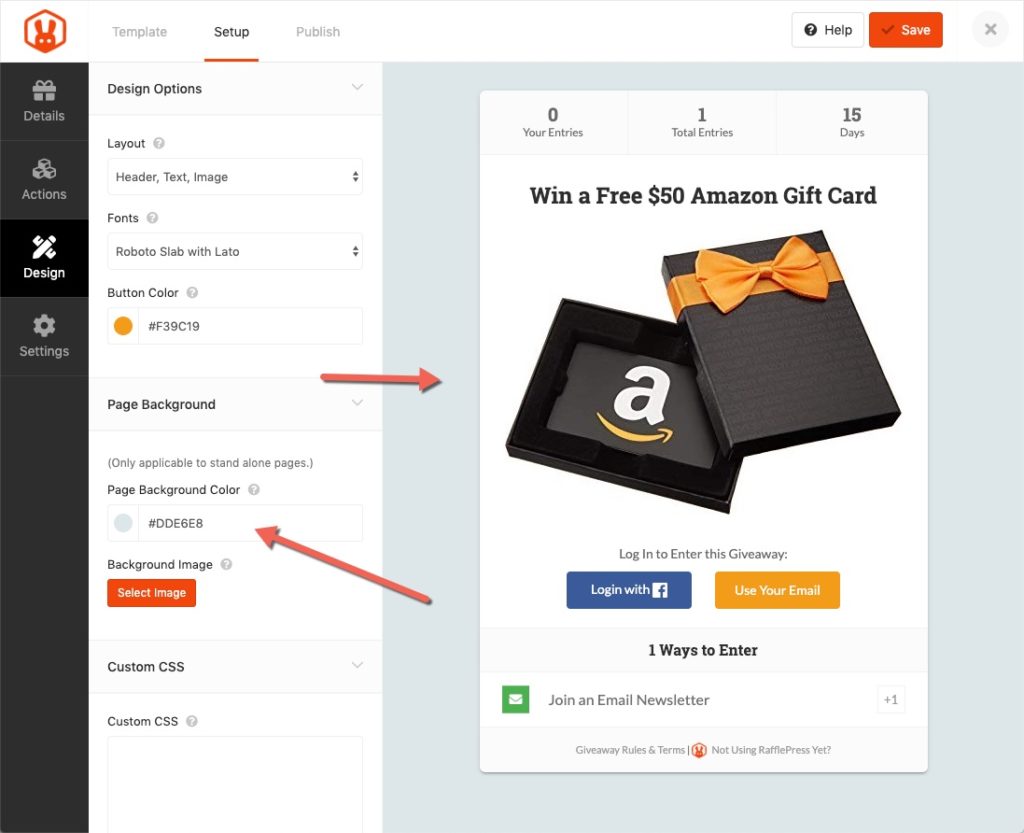
Page Background Color
The page background color only applies to stand alone pages. If you embed the giveaway via shortcode or Gutenberg block then this setting will not apply.
Page Background Image
The page background image only applies to stand alone pages. If you embed the giveaway via shortcode or Gutenberg block then this setting will not apply.
Custom CSS
The custom CSS field allows you to enter CSS to further customize the giveaway’s look and feel. Note: This is for advanced users only. You can view your changes under the Preview and Install tab on the builder’s top menu.
Still need help?
Contact Us