How to Find Your License Key
To access your license key:
- Goto the RafflePress members area located at https://app.rafflepress.com/login.
- Next click on the Download tab.
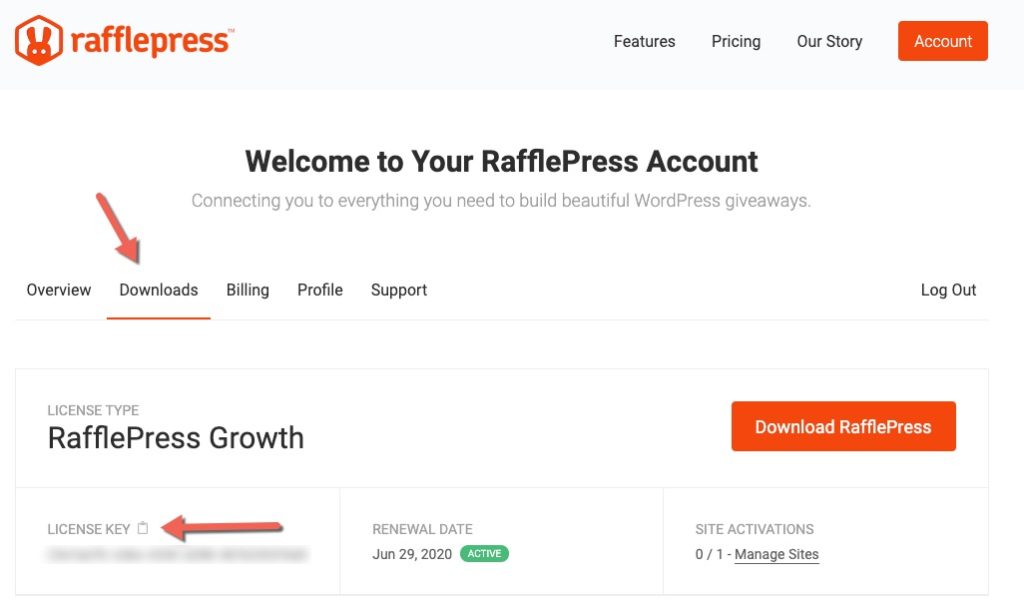
- Finally, click the clipboard icon to copy your license key.
Note: If you do not have a license, you can purchase a new license by visiting https://rafflepress.com/pricing
Video Instructions
Still need help?
Contact Us