Constant Contact
To get started collecting emails with Constant Contact follow these steps.
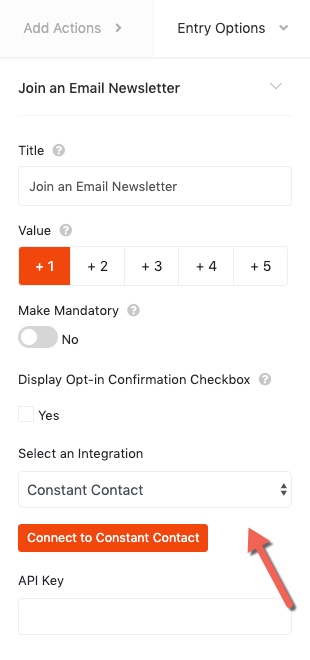
- Select Constant Contact from the Select an Integration dropdown.
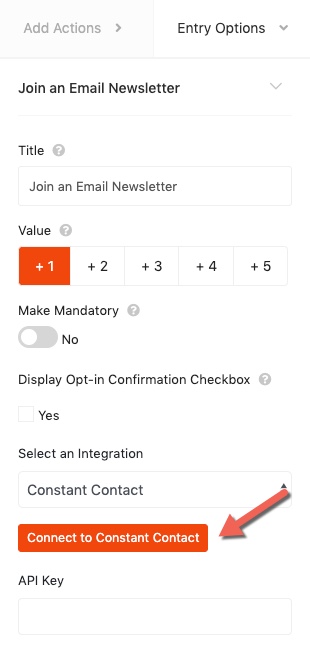
- Next, click the Connect to Constant Contact button to access your API key.
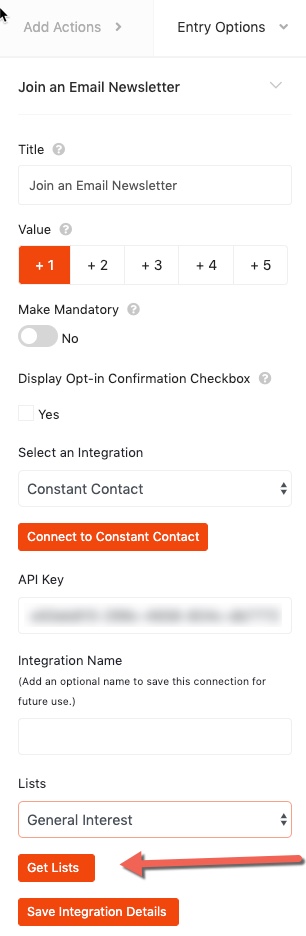
- After retrieving your API key paste it into the plugin, select a list and save the integration settings. That’s it!
Still need help?
Contact Us